The local AIcoding agent

Plan, build, and ship with any model. Bring your own key or run one on your machine. No account, no subscription.

Product preview

Screenshot of the Vixl desktop app: chat, agent plan, code editor, and project files in one window.

Vixl desktop app showing chat, editor, and files

Sponsored by

Coding

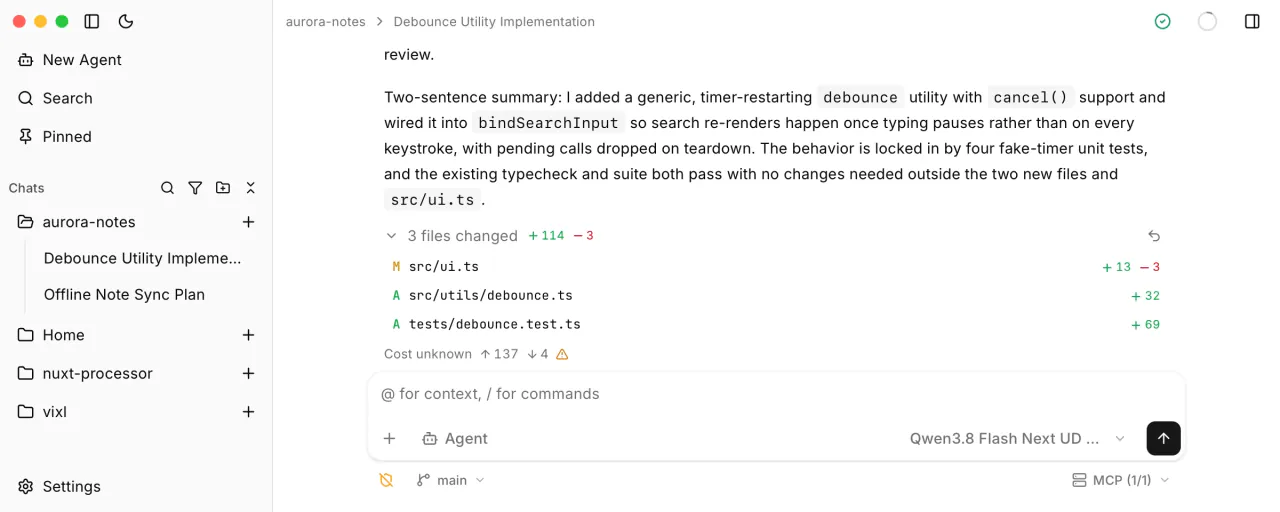
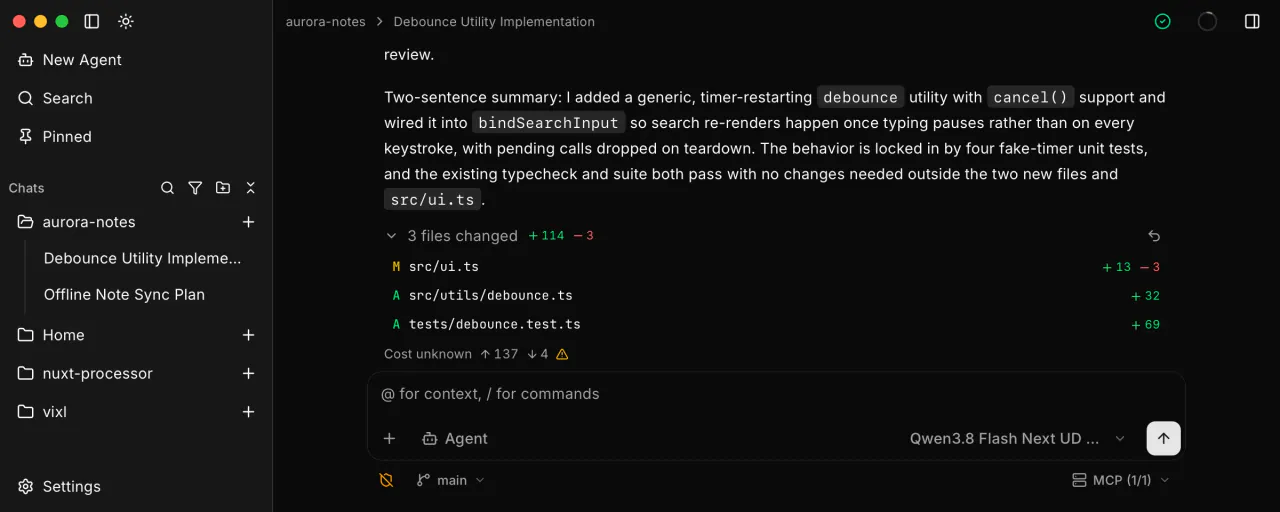
Agent mode reads your code, edits files, and runs your tools. Every change lands as a diff you can review, and any turn can be rolled back.

Vixl Agent mode chat in light theme, showing file edits and tool use beside the workbench

Planning

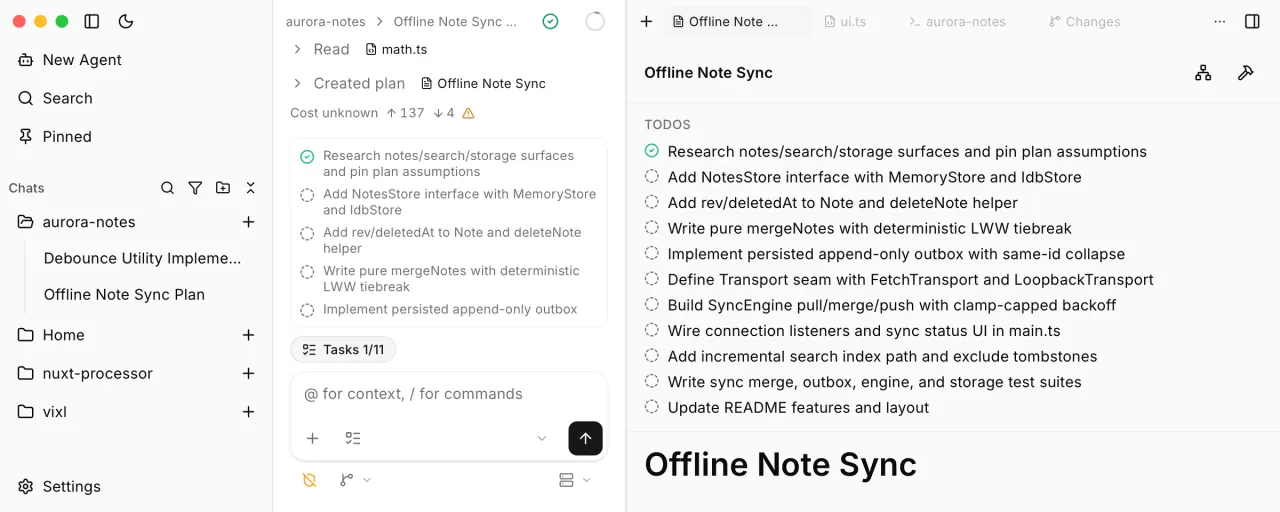
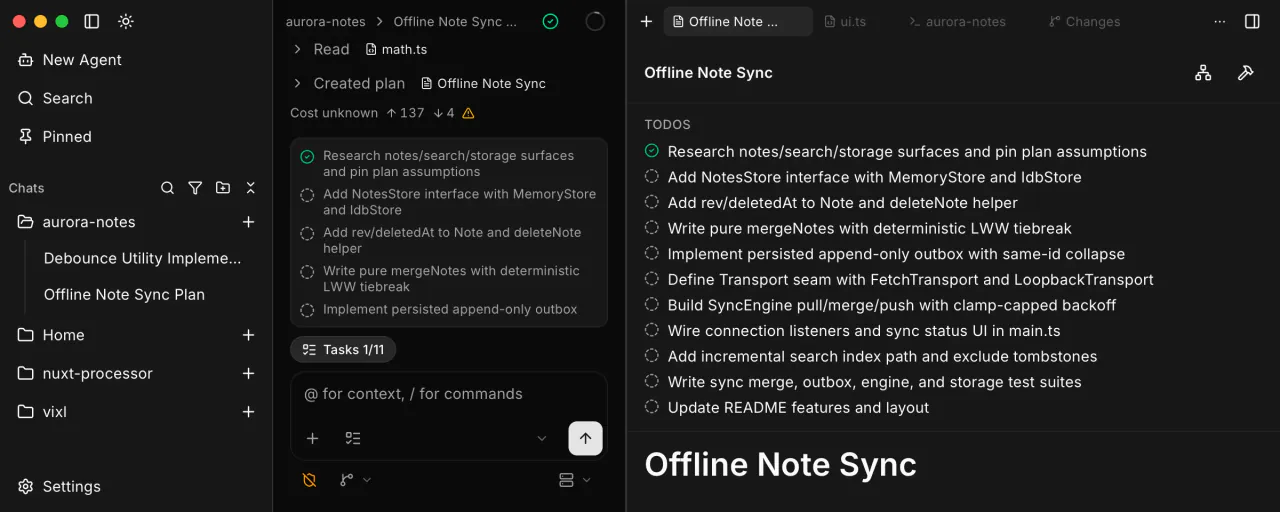
Create and implement persisted plans that describe your project over time. Save on cost with native agentic orchestration support.

Vixl plan tab in light theme with PLAN.md todos and Build and Orchestrate actions

Integrated Editor

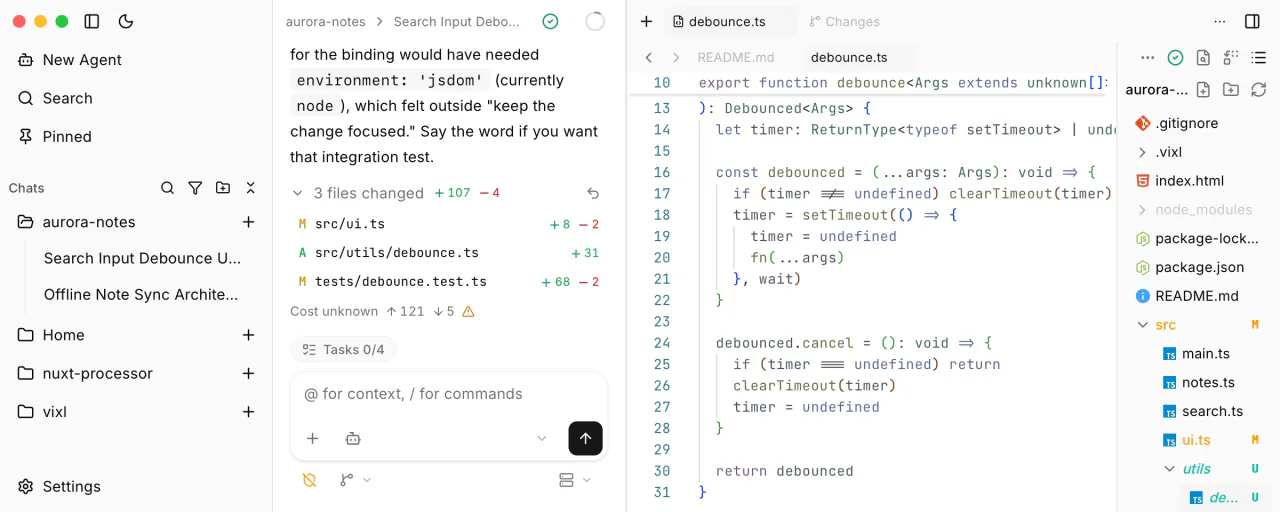
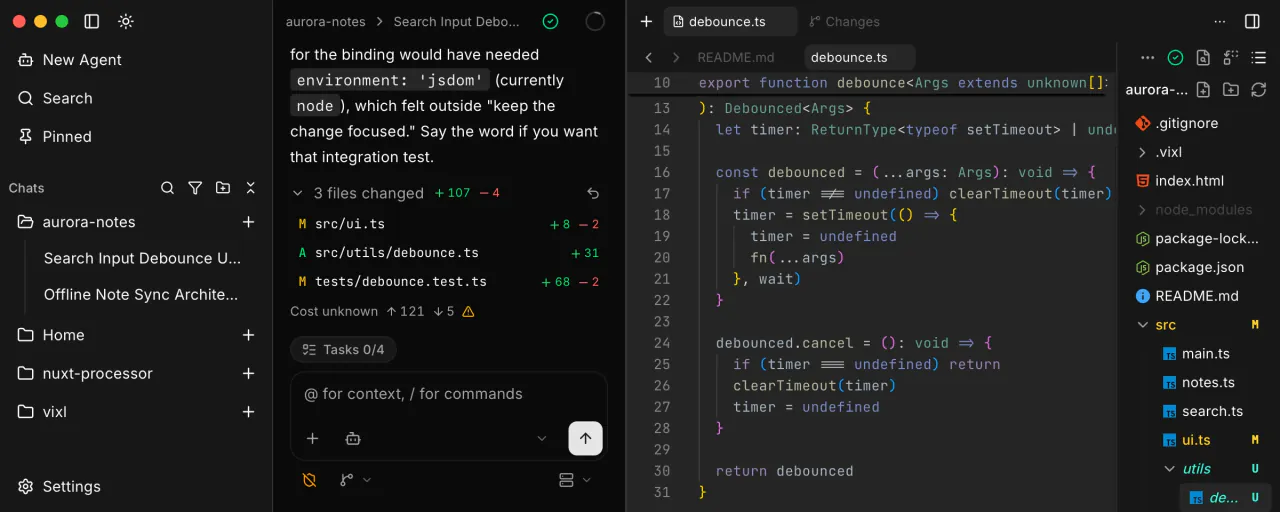
A full Monaco editor with LSP support sits next to the chat, so you can read, fix, and review without switching apps.

Vixl integrated editor in light theme with Monaco, LSP support, file tree, and language server status

Terminals

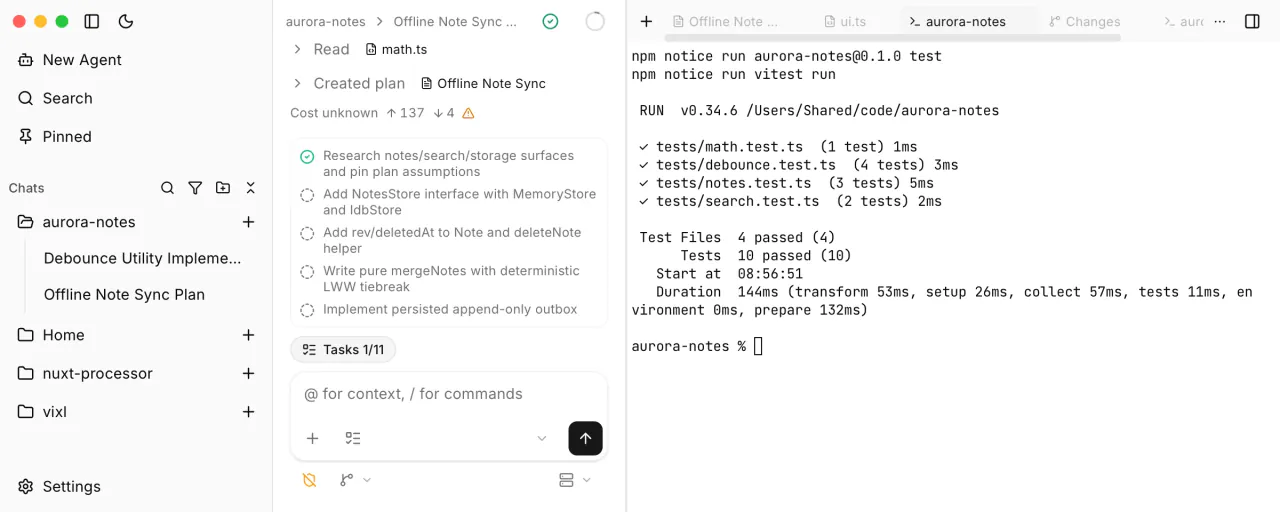
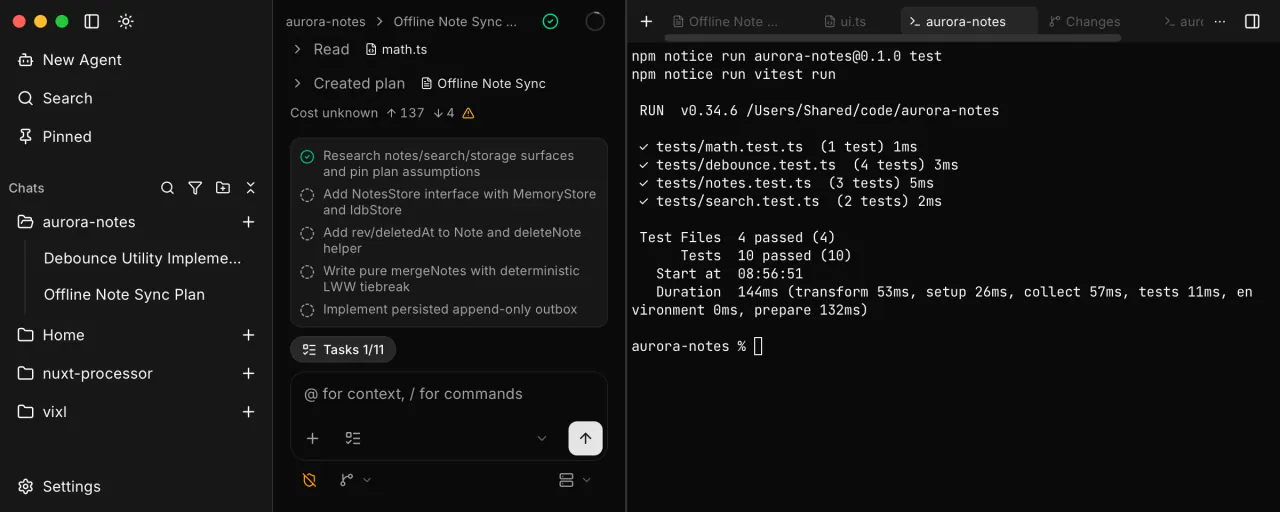
Real terminals open in your project root, right beside the conversation.

Vixl workbench terminal in light theme showing an interactive PTY in the project root

Local-first by design

  • No account

    No sign-up, no analytics, no Vixl server. Keys stay in your OS keychain.

  • Any model

    Use a provider key you already have, or a local host like Ollama or LM Studio.

  • Lean context

    Progressive tool discovery loads MCP schemas and skills only when the agent asks, so prefills stay small and local models stay fast.

  • Open source

    MIT licensed and free, for macOS, Windows, and Linux.

Bring your own model.